
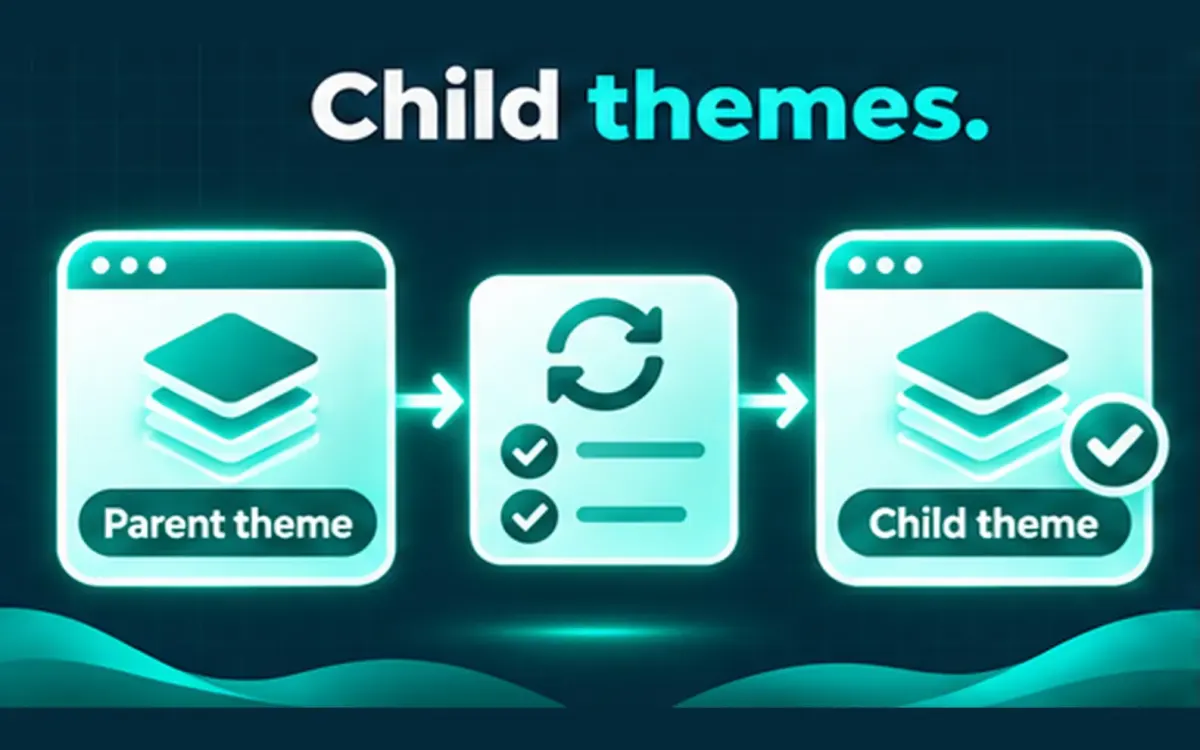
A child theme is the right pattern for custom CSS and template overrides. It is not a shield against every parent-theme change.
## How breaks still happen
– Parent templates rename hooks or markup the child still expects
– Required parent functions move or change signatures
– Page builders or theme options migrate in a parent update
– PHP version requirements rise with the new parent release
## Before you update a parent theme
1. Identify parent vs child and list overridden templates.
2. Backup and define what “working” means (key templates, forms, shop pages).
3. Prefer staging when the design is heavily customized.
4. Retest after the update — do not assume visual parity if upstream changed.
Theme update work is not a redesign engagement. Heavily customized or abandoned themes may need more than a version bump; that should be scoped before work starts.
Share the theme name and what breaks today if you need a careful update plan.