
PHP updates
PHP Version Updates
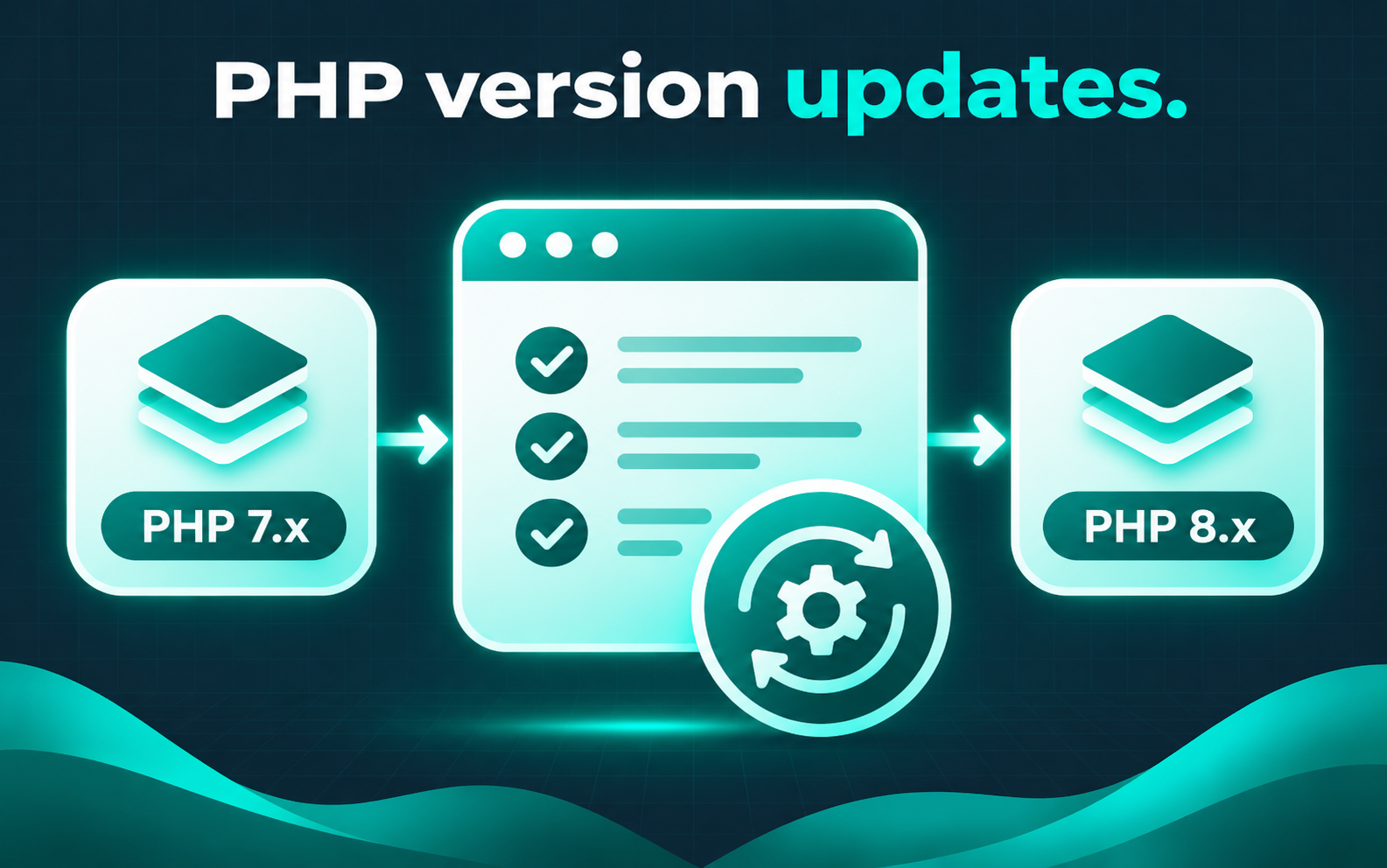
Updating PHP is not a one-click checkbox. Plugins, themes, and custom code need compatibility review first — skipping that can produce a white screen or fatal error after the switch.
Common situations
- Host requires a newer PHP version by a deadline
- WordPress health or plugin notices about unsupported PHP
- Older plugins or themes that may not run on a newer runtime
- Previous PHP bump that caused errors and was rolled back
- Need a staged check before changing production
What this service covers
- Review plugin, theme, and custom-code compatibility signals
- Plan a test path or staged change where access allows
- Coordinate the PHP version change with host controls
- Check critical front-end and admin paths after the switch
- Document failures found and remaining upgrade debt
There is no promise that every legacy plugin will survive a PHP bump. Incompatible code may need updates, replacements, or a delayed cutover — those decisions are part of scoping, not surprises after a blind upgrade.
Process
How the work usually proceeds
Inventory
Note PHP version, plugins, themes, and known risks.
Compatibility
Flag items likely to break on the target PHP.
Update
Change PHP in a controlled window.
Verify
Retest critical paths and capture issues.
FAQ
The panel change is only one step. Compatibility checks come first when the goal is to avoid a white screen.
That is called out in scope. Options may include replacing it, staying on a supported path temporarily, or accepting known risk — nothing is invented as a free fix.
Only if the site is already broken. A planned PHP upgrade is upgrade work, not the same as a down-site emergency.
Related services
Describe Your Site Issue
Share the site URL, current PHP version if known, and any host deadline. I will reply with a scoped update plan.
Describe Your Site Issue