
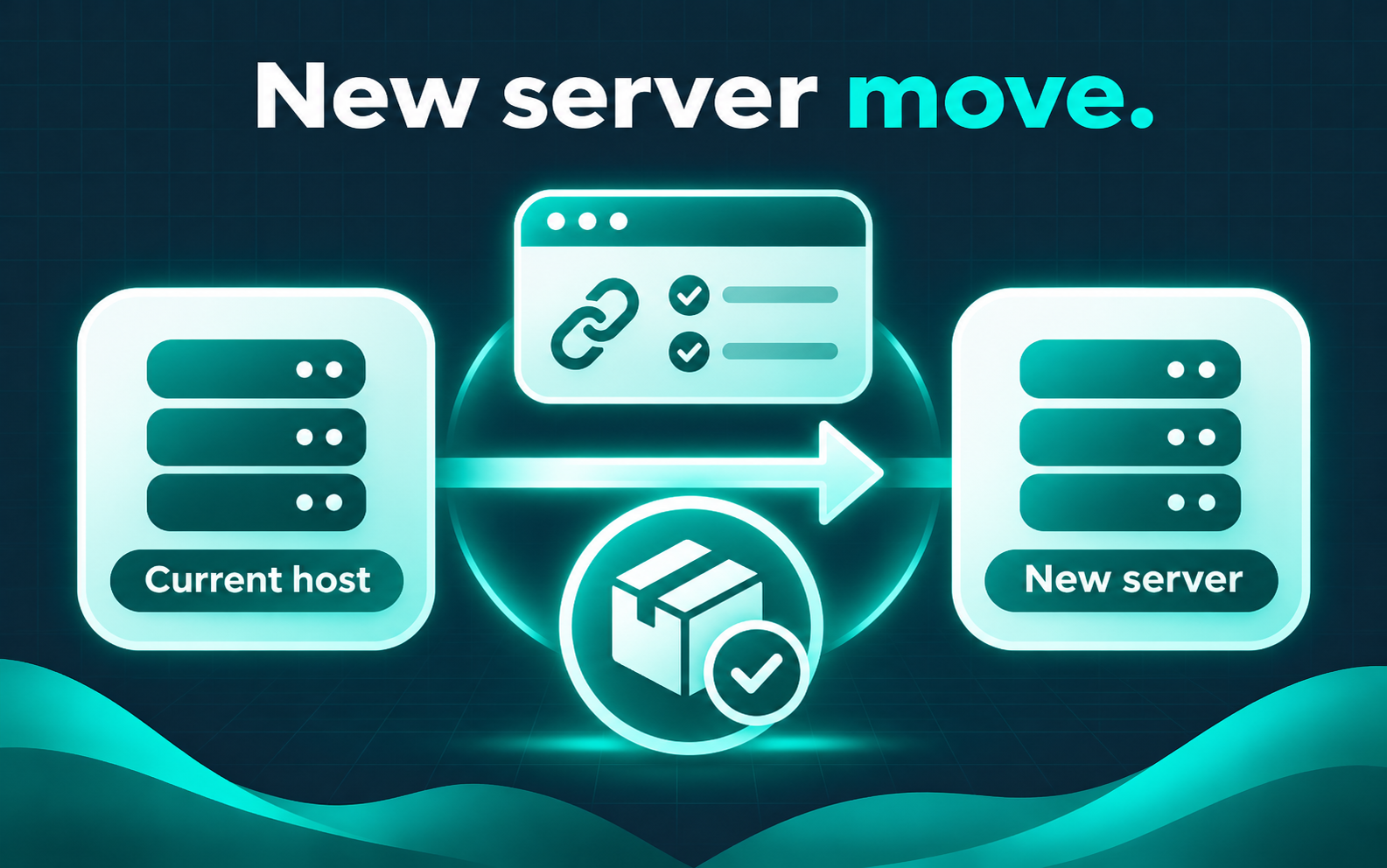
New server move
Move WordPress to a New Server
For teams moving an existing WordPress or WooCommerce site to a new server or host — planned work with URL checks, redirects when the domain or paths change, and a careful cutover rather than a rushed copy-paste.
Common situations
- Leaving a current host for a new server or account
- Need to preserve content, media, and store data where applicable
- Concern about broken URLs, mixed content, or missing redirects after cutover
- WooCommerce store that must keep products, customers, and orders intact
- Want a verified handoff instead of an untested overnight move
What this service covers
- Plan the move against the current stack and destination access
- Transfer files and database with a controlled cutover approach
- Run URL and search-replace checks after the move
- Set up redirects when paths or domains require them
- Document the handoff and remaining watches
This is planned migration work, not an emergency outage response. I do not name or push a specific host. Exact effort depends on site size, custom code, and whether the domain stays the same.
Process
How the work usually proceeds
Scope
Confirm source, destination, domain plan, and risk areas.
Transfer
Move files and database with backups in place.
Verify
Check URLs, forms, login, and critical paths.
Handoff
Document DNS/cutover notes and open items.
FAQ
No. I can work with many hosts; the choice of provider stays yours unless you already have one named.
When WooCommerce is in scope, products, customers, and orders are part of the migration plan — not assumed automatic without checks.
No. If the site is down, that is emergency repair first. A host move is scheduled technical work.
Related services
Describe Your Site Issue
Share the current URL, where you are moving, and any domain or timing constraints. I will reply with next steps for a scoped move.
Describe Your Site Issue