
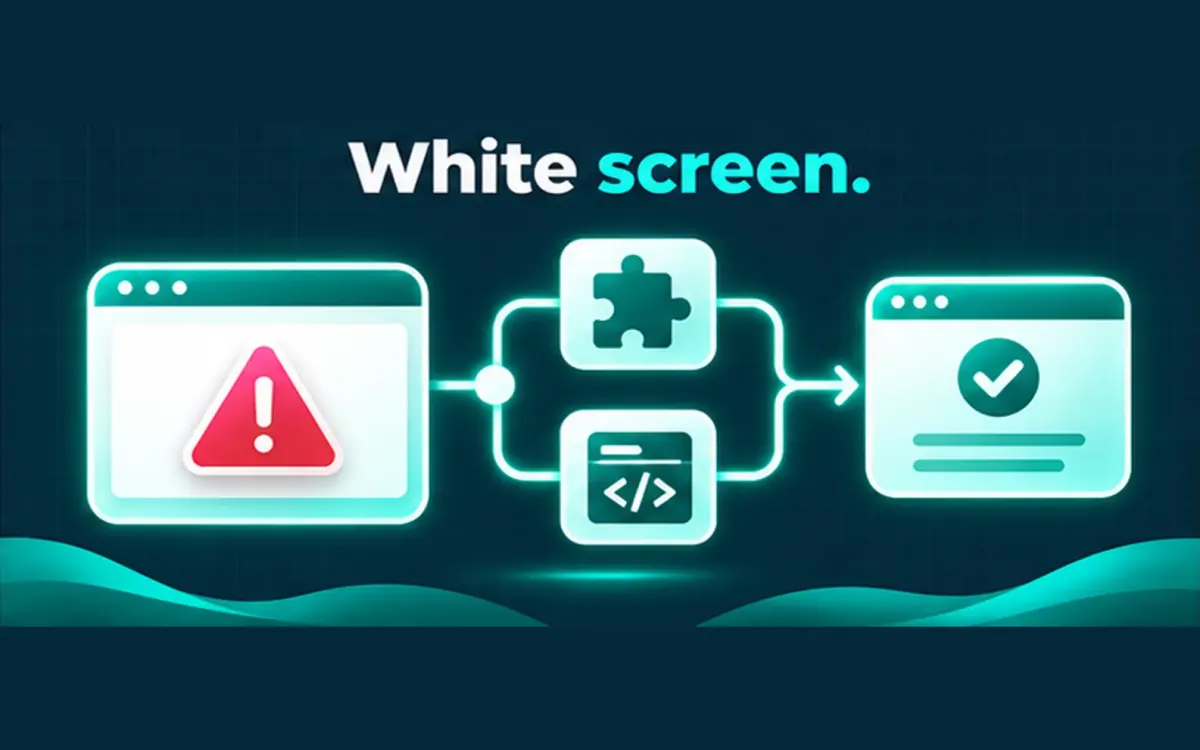
A plugin update that ends in a white screen or “There has been a critical error” feels sudden. The useful response is triage, not panic deletes.
## First information to capture
– Exact error text (email from WordPress recovery mode helps)
– Which plugin or theme changed right before the failure
– Whether wp-admin still loads
– Hosting PHP version if you know it
Do **not** send passwords in the first message when you ask for help.
## Typical causes
– PHP fatal error from incompatible code
– Conflict between two plugins after one updated
– Theme function hooked to a removed plugin API
– Memory or timeout limits on a heavier update path
## Calm moves that often help
1. Rename the offending plugin folder via SFTP/file manager if admin is down.
2. Enable logging (`WP_DEBUG_LOG`) on a careful copy when possible.
3. Restore from a known-good backup if the site must return immediately, then diagnose offline.
I do not promise fixed emergency response clocks. Start timing depends on access and workload.
If the site is down now, describe the URL, what changed, and the error text.