
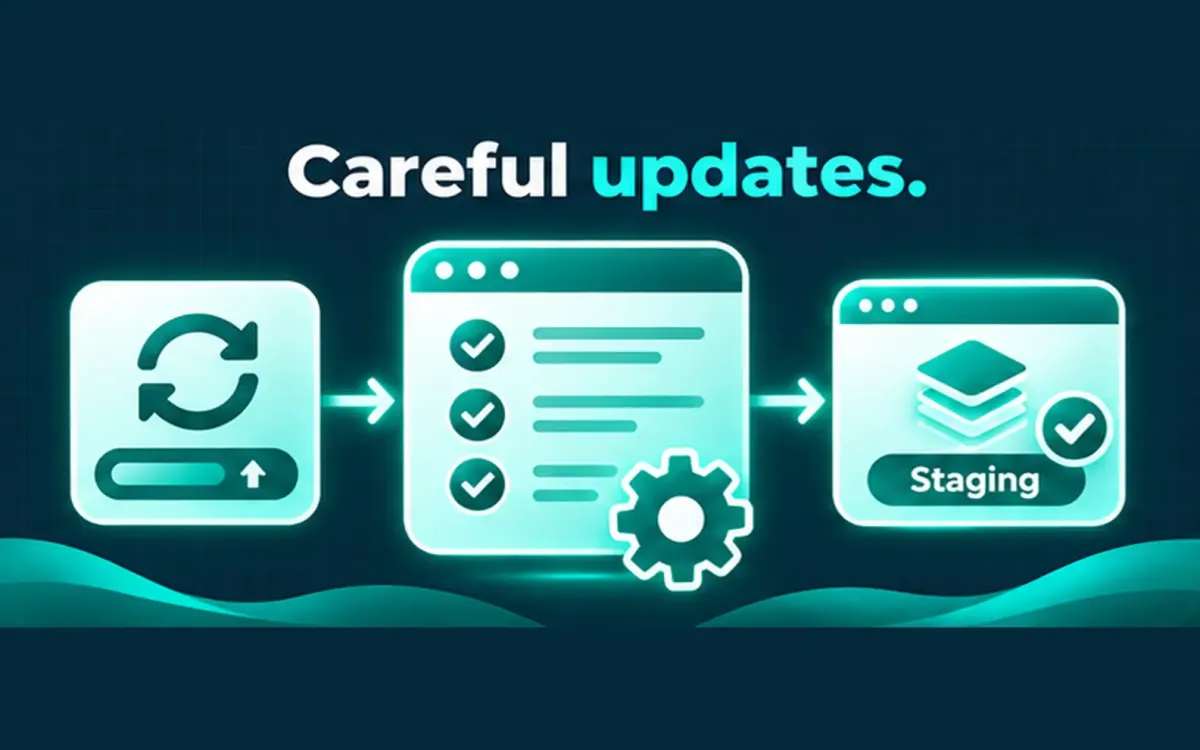
Many owners postpone updates because the last time they clicked “Update,” checkout broke or the admin went white. Avoiding updates forever is worse. Running them blindly is also a problem.
## What “careful updates” actually means
– Know what is on the site before you change it (plugins, PHP version, backup posture).
– Prefer a staging copy when the site earns money or supports clients.
– Update in small batches, then retest the paths that matter: home, login, forms, cart, checkout.
– Keep a rollback path: recent backup you can restore, not only a zip you hope works.
## When to pause
If a plugin is abandoned, conflicts with a required PHP bump, or owns a critical checkout step, pause and scope the risk instead of forcing the update.
## What I do not invent
There is no package price listed here and no promise that every update is uneventful. The goal is fewer surprises — not zero risk.
Share the site URL and what usually breaks after updates if you want a scoped maintenance plan.